Tech
Two-Factor Authentication Explained for Normal Humans
By James Whitmore · 2026-04-10 · 6 min read
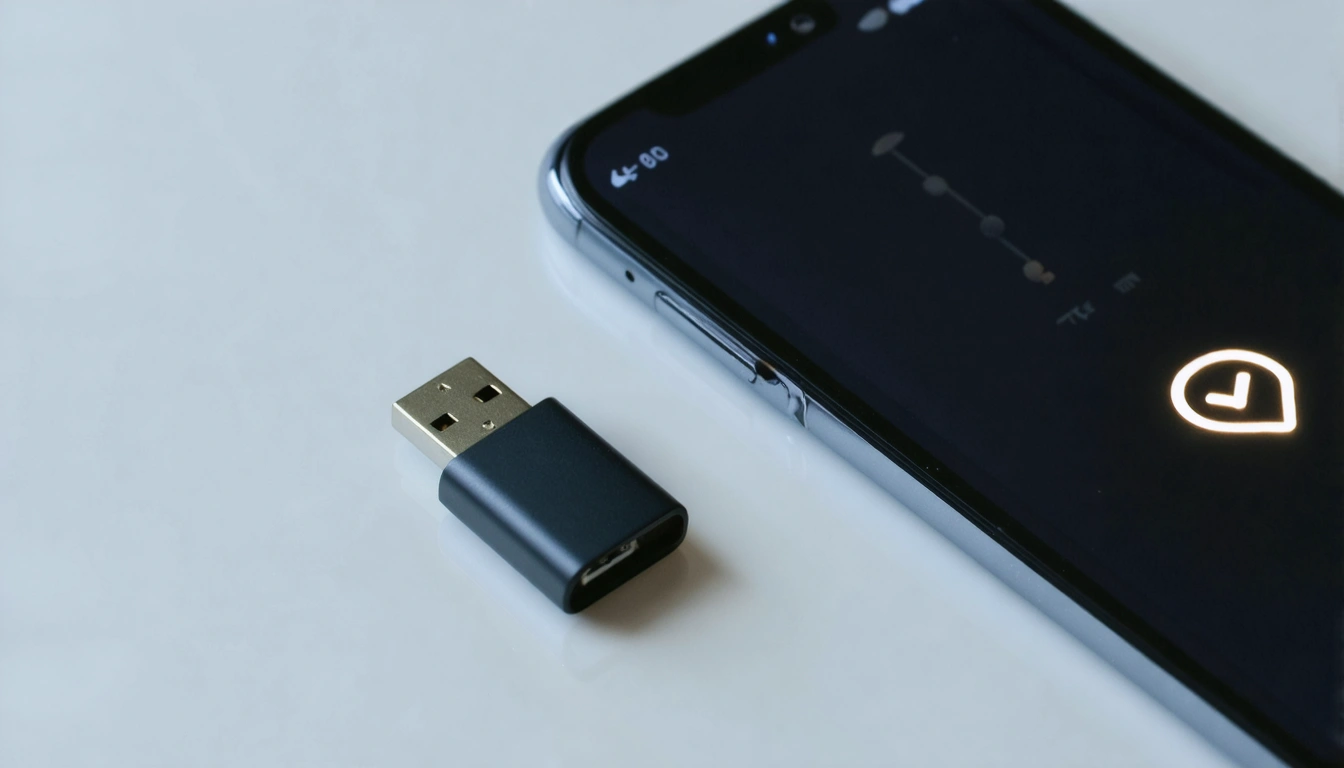
The single most effective step most people can take to improve their digital security is also one of the easiest to explain — and yet adoption remains lower than it should be.
Two-factor authentication (2FA) — sometimes called multi-factor authentication, or MFA — is the practice of requiring two separate forms of verification before granting access to an account. You likely already use it without thinking of it that way: when your bank sends a code to your phone to confirm a large transfer, that is 2FA. The question is whether you are applying it to all the accounts where it would meaningfully improve your security.
Why Passwords Alone Are Not Enough
The problem with a password as the sole form of authentication is that it can be stolen in ways you may never know about. Data breaches at websites and services you use are common. Password reuse — using the same password across multiple accounts — means that a breach at one service can compromise accounts at many others. Phishing attacks, which deceive users into entering credentials on fraudulent websites, are increasingly sophisticated.
Two-factor authentication creates a second barrier. Even if an attacker has your password, they cannot access your account without also having access to the second factor — typically your phone, a physical security key, or a time-limited code generated by an authentication app.
The Three Main Types of 2FA
SMS codes: A one-time code is sent to your registered mobile number. This is the most widely deployed form and is significantly better than no 2FA at all. Its weakness is that SIM-swapping attacks — where a fraudster convinces a mobile network to transfer your number to a SIM they control — can intercept the codes. For most accounts, SMS 2FA remains a substantial security improvement. For high-value targets (cryptocurrency accounts, email accounts, banking), stronger options are worth considering.
Authentication apps: Apps such as Google Authenticator, Authy, and Microsoft Authenticator generate time-limited codes locally on your device. Because the codes are generated on the device rather than transmitted via SMS, they are immune to SIM-swapping. The setup involves scanning a QR code when you first link an account; after that, the app generates a fresh code every 30 seconds without requiring any network connection.
Physical security keys: Small USB or NFC devices (such as YubiKey) that physically connect to or tap against your device to authenticate. These are the most secure option and are immune to phishing and SIM-swapping. They are primarily used by people with elevated security requirements — journalists, activists, senior business executives — but they are available to anyone.
Which Accounts Should Use 2FA?
The priority list for most UK users starts with: email (because email recovery can unlock almost any other account), banking and financial services (most of which now mandate some form of 2FA), and password managers. From there, extending 2FA to social media accounts, cloud storage, and any account containing sensitive personal information is worthwhile.
The time cost of setting up 2FA on the accounts that matter most is modest. The protection it provides is substantial. This is one of the few security recommendations where the effort-to-benefit ratio is clearly and consistently positive.
Practical Steps for UK Users
Most major email providers — Gmail, Outlook, Apple — offer 2FA in their account security settings. Banking and financial services are required under UK and EU regulations to implement strong customer authentication, and most already prompt users to set this up. For other services, look under Settings, Security, or Account settings — the option is usually labelled "Two-factor authentication", "Two-step verification", or "Enhanced security".
If you use a password manager — which is itself a recommended security practice — set up 2FA on the manager first, and choose an authentication app or physical key rather than SMS for added protection.
The ICO and NCSC (National Cyber Security Centre) both publish accessible guidance on digital security for UK residents. The NCSC's Cyber Aware campaign is a useful starting point for households that want practical guidance without technical jargon.